You haven't signed in yet, you can have a better experience after signing in
*Please complete the payment within {{receiveCouponInfo.expire_at}}Previous use*
You haven't signed in yet, you can have a better experience after signing in



Activity Rules
1、Activity time:{{ info.groupon.start_at }} ~ {{ info.groupon.end_at }}。
1、Activity time:cease when sold out。
2、Validity period of the Group Buying:{{ info.groupon.expire_days * 24 }} hours。
3、Number of Group Buying:{{ info.groupon.need_count }}x。
Please Pay Attention
1、Teamwork process: Join/initiate a Group Buying and make a successful payment - Within the validity period, the number of team members meets the activity requirements - Group Buying succeeded!
2、If the number of participants cannot be met within the valid period, the group will fail, and the paid amount will be refunded in the original way.
3、The number of people required and the time of the event may vary among different products. Please pay attention to the rules of the event.
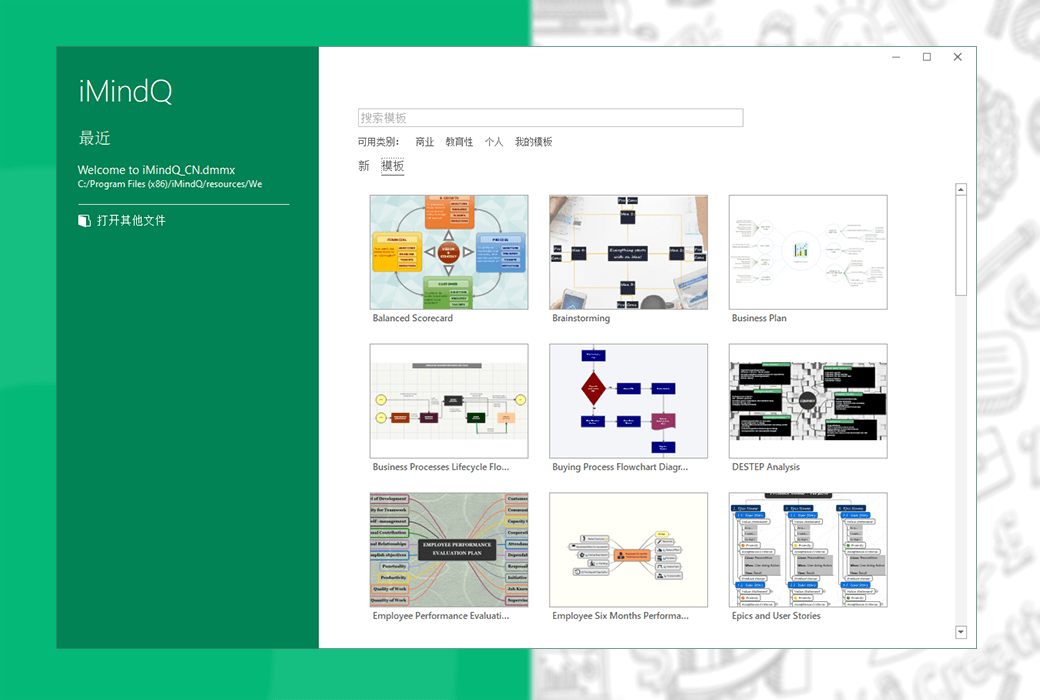
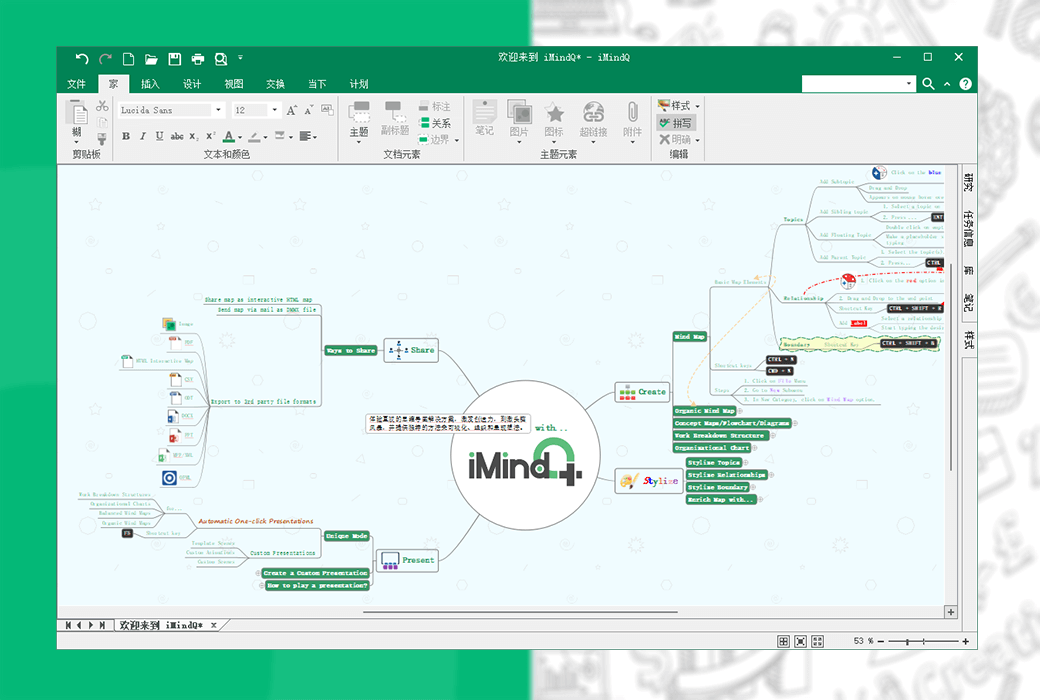
iMindQ Professional Mind Mapping Software
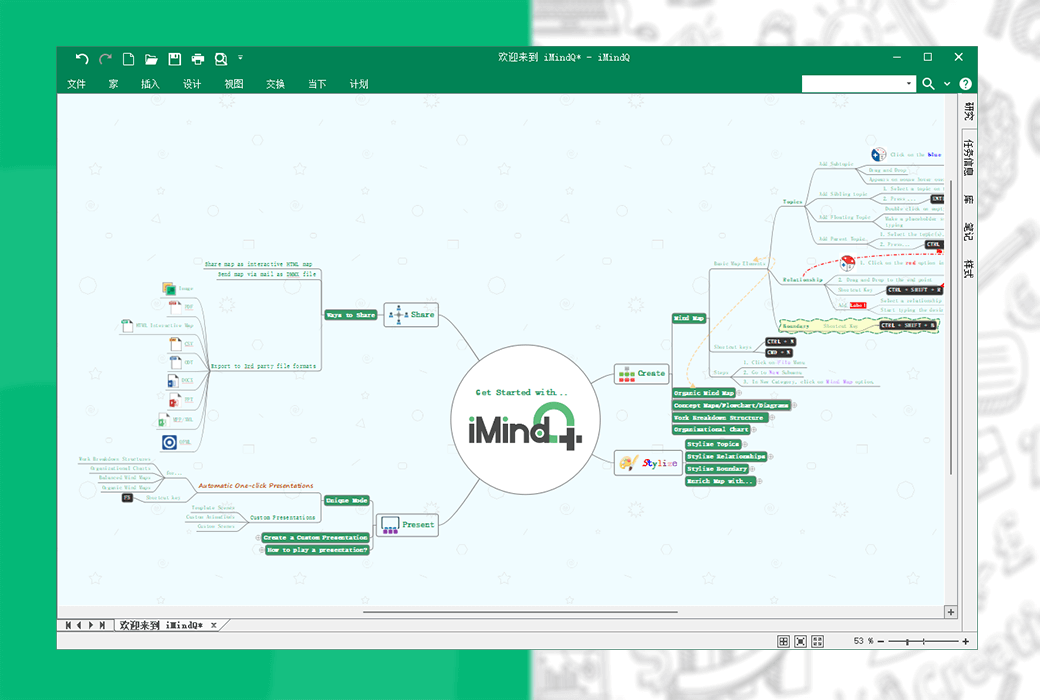
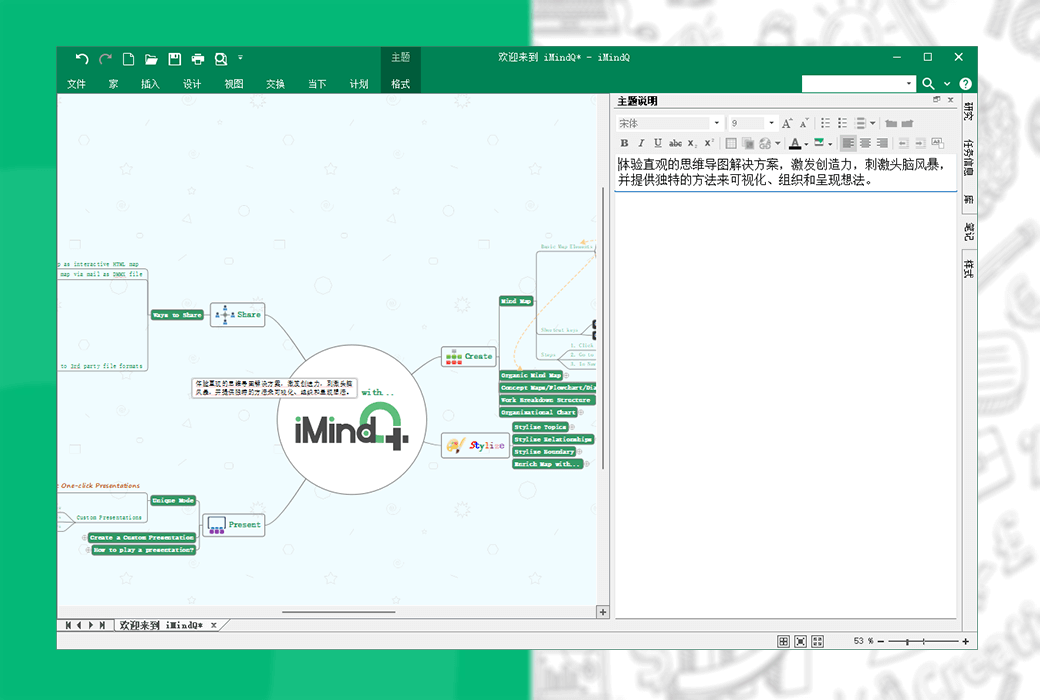
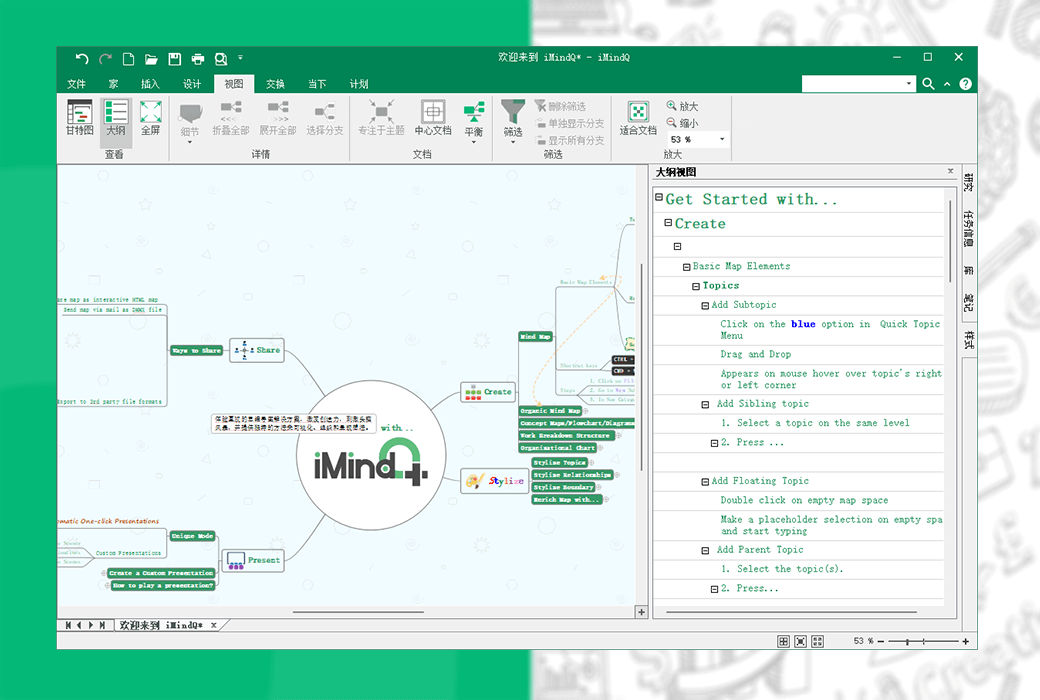
Experience an intuitive mind mapping solution that stimulates creativity, facilitates brainstorming, and provides a unique way to visualize, organize, and present ideas.
Positioned as professional mind mapping software, iMindQ is an excellent tool that combines various types of mind mapping styles, suitable for business, education, and personal use, and can be employed by any department within an organization, school system, or university. Furthermore, iMindQ can assist individuals in stimulating learning, organizing, and visually presenting ideas.
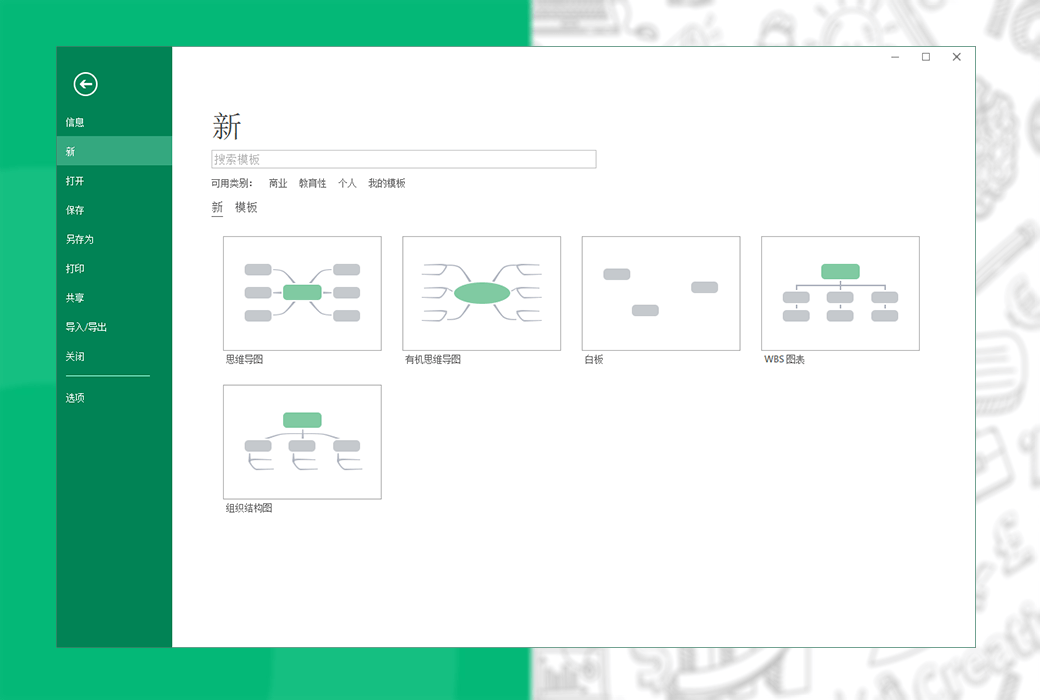
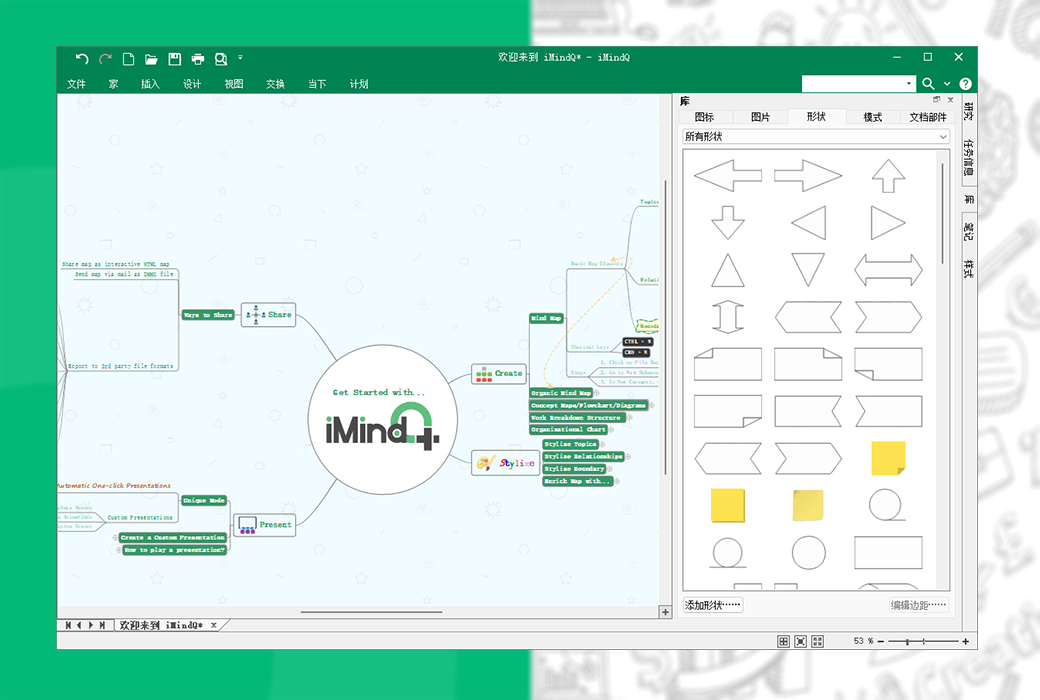
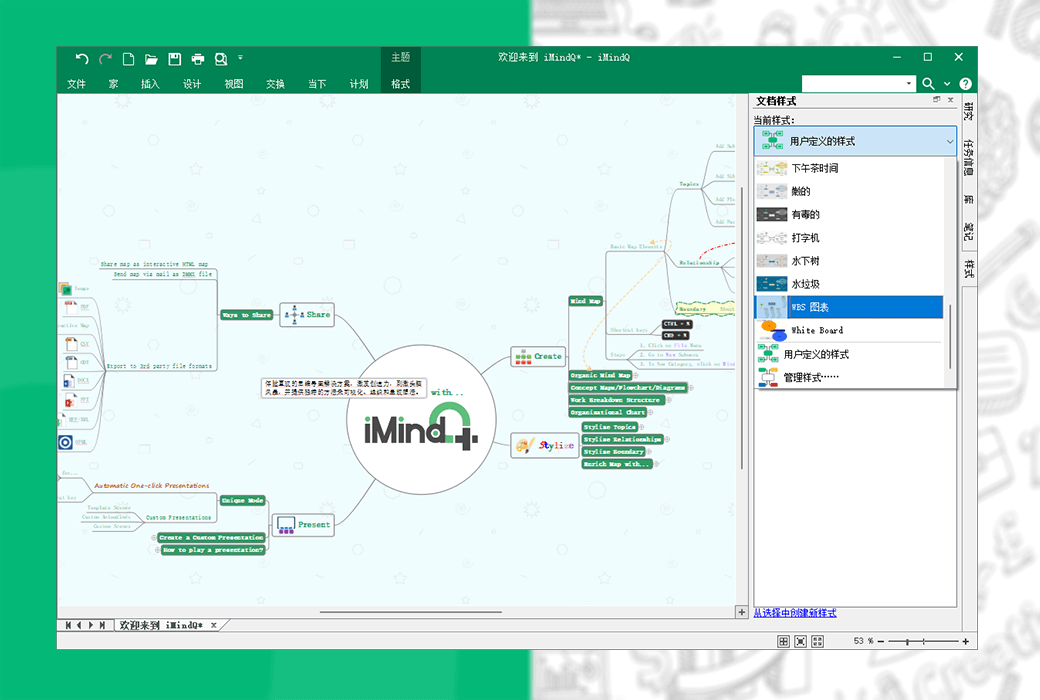
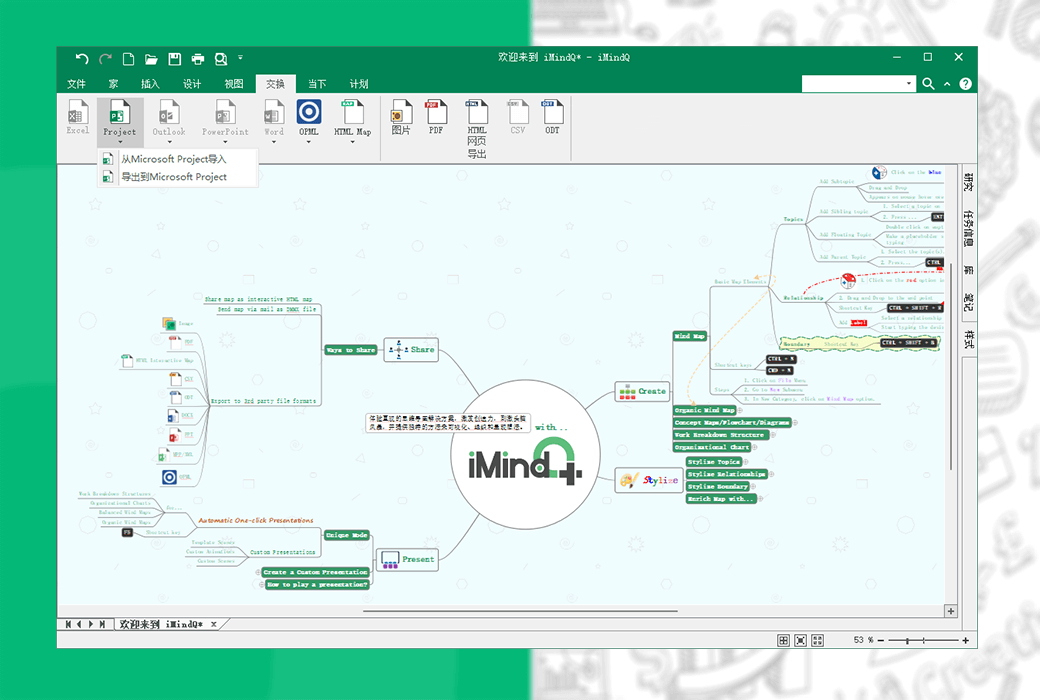
Mind maps, concept maps, flowcharts, Gantt charts, organization charts, WBS diagrams, and other types of diagrams are increasingly being used to present key information in a format that is relatively easy to remember and understand. These diagrams are best created using iMindQ. It serves as an excellent tool when generating new ideas or attempting to maximize the use of a large amount of workload or information overload.
How Can iMindQ Assist You?
Concept maps are visual representations that connect themes and ideas around a central concept.
Conducting brainstorming sessions through mind mapping ensures understanding, retention, and increased participation among team members.
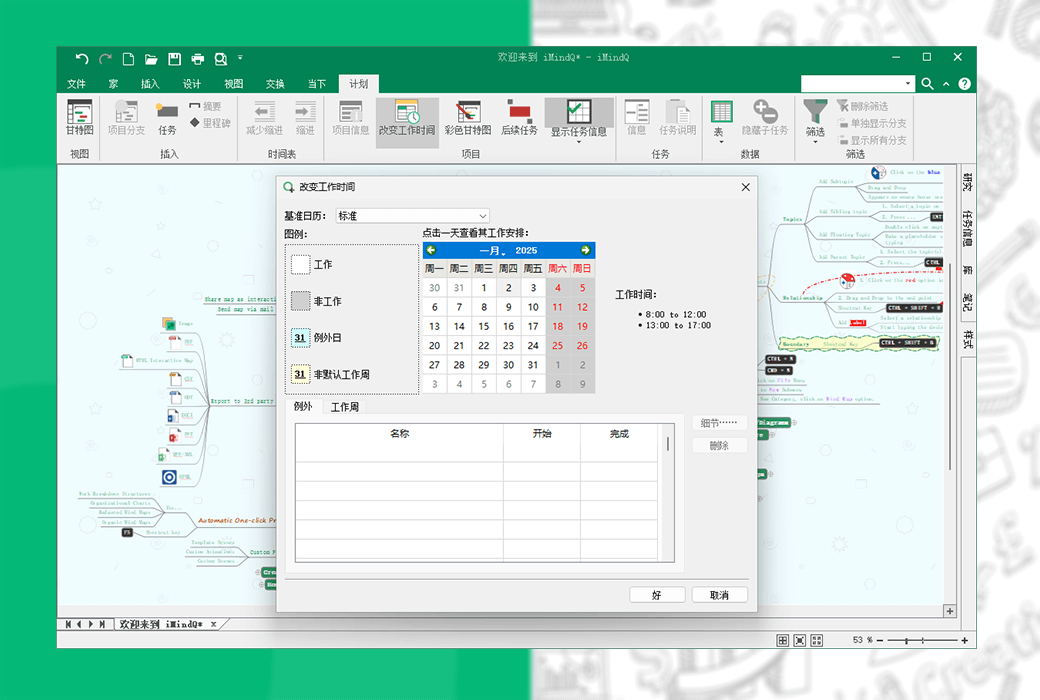
Plan projects by creating a WBS based on deliverables and visually analyze the results using a Gantt chart view.
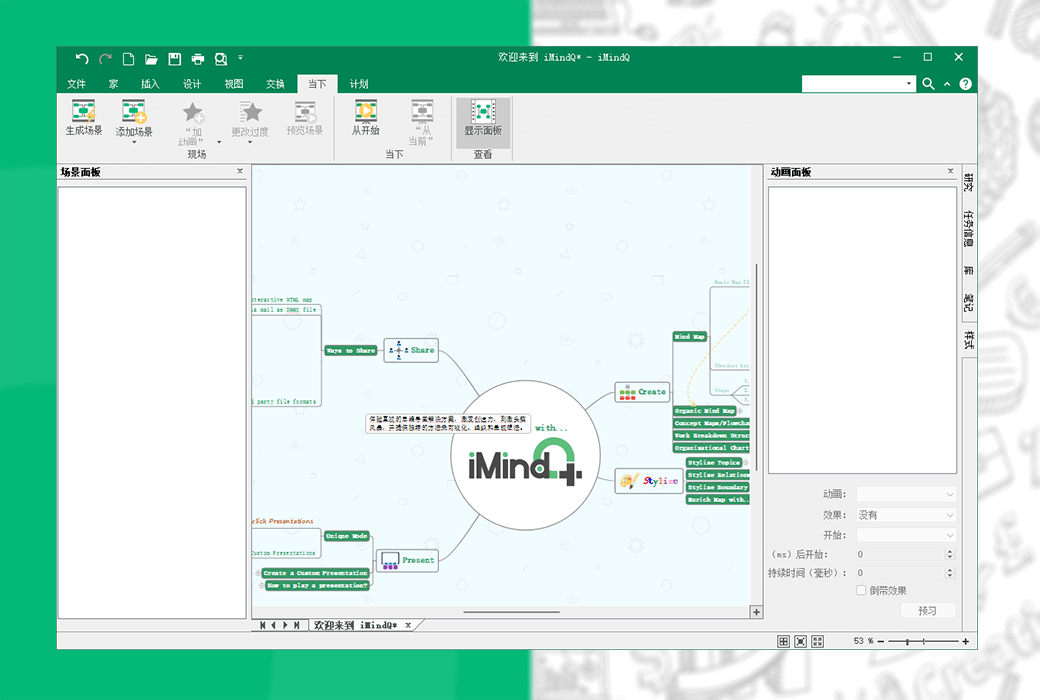
Present your mind maps with just one click, leaving a powerful visual impact and providing an overview of the entire topic.
Official website:https://www.imindq.com/
Download Center:https://imindq.apsgo.cn
Backup Download:N/A
Delivery time:Manual processing
Operating Platform:Windows
Interface language:Supports Simplified Chinese interface display and supports selection of other languages.
Update Description:Supports one-year maintenance and updates, and can continue to use the current version after one year.
Trial before purchase:Free 15 day trial before purchase.
How to receive goods:After purchase, the activation information will be sent to the email address at the time of placing the order, and the corresponding product activation code can be viewed in the personal center, My Orders.
Number of devices:Can install one computer.
Replace computer:Uninstall the original computer and activate the new computer.
Activation guidance:To be added.
Special note:To be added.
reference material:https://synamistore.com/collections/imindq

Any question

In iMindQ, you can use the Research Panel to search for information online. You can filter your search by choosing one of the available options: Google Search, Google Images, OpenClipart, or Twitter.
When you open the Research Panel located on the right side of the workspace, write the name of the topic you are interested in the search box. This action will open information related to the search term in the "Research" panel. You can also select a topic and click on the "Research" panel to display information about your topic name. When you search for information using Google Images, images of the search term will be opened.
You can easily insert these images as subtopics into the workspace. Simply select the topic you want to add a subtopic to, and then drag and drop the image that most attracts you from the Search panel. When you search for information using OpenClipart, if you drag and drop an image to a topic, the image will be added to the topic you selected.
Google Search enables you to search for information online and add it to your map. You can drag and drop the searched words from the listed articles and add them as subtopics to your diagram. In addition to the content, a hyperlink will be added to the new subtopic. This hyperlink will redirect you to the webpage where the text was inserted. When you choose to search for information on Twitter, the most popular tweets related to the search term will be displayed. You can drag and drop Twitter posts as subtopics to your map.